
Being a case manager, I’ve noticed that my team and I are much more productive with the use of AI in our workdays. Without it, my day would look a lot more disorganized and filled with last-minute updates. From the piles of paperwork, scheduling follow-ups, and repeated case updates were all too overwhelming to manage. We barely had time left to connect and support our clients in a more attentive manner.
But recently, that’s started to change. This newer care management platform that we onboard is helping us big time! We’re finally getting on top of our caseloads, getting more recent and important updates even on my mobile phone. The best part is that I am able to give my clients my attention and listen to their needs more attentively.
Here are the 9 AI use cases in case management that boost service efficiency.
1. Smart Note Summarization
This is my personal favorite. Instead of spending 30-45 minutes after each visit writing a detailed case note or progress note, I can now just record my voice, and the tool transcribes my dictated thoughts. Its easier than gathering recalling or gathering my thoughts to draft the notes.
What’s more convenient is that the platform easily prepares a progress summary in seconds, which saves me more than 10 hours a week alone.
2. Easy Intake & Data Entry
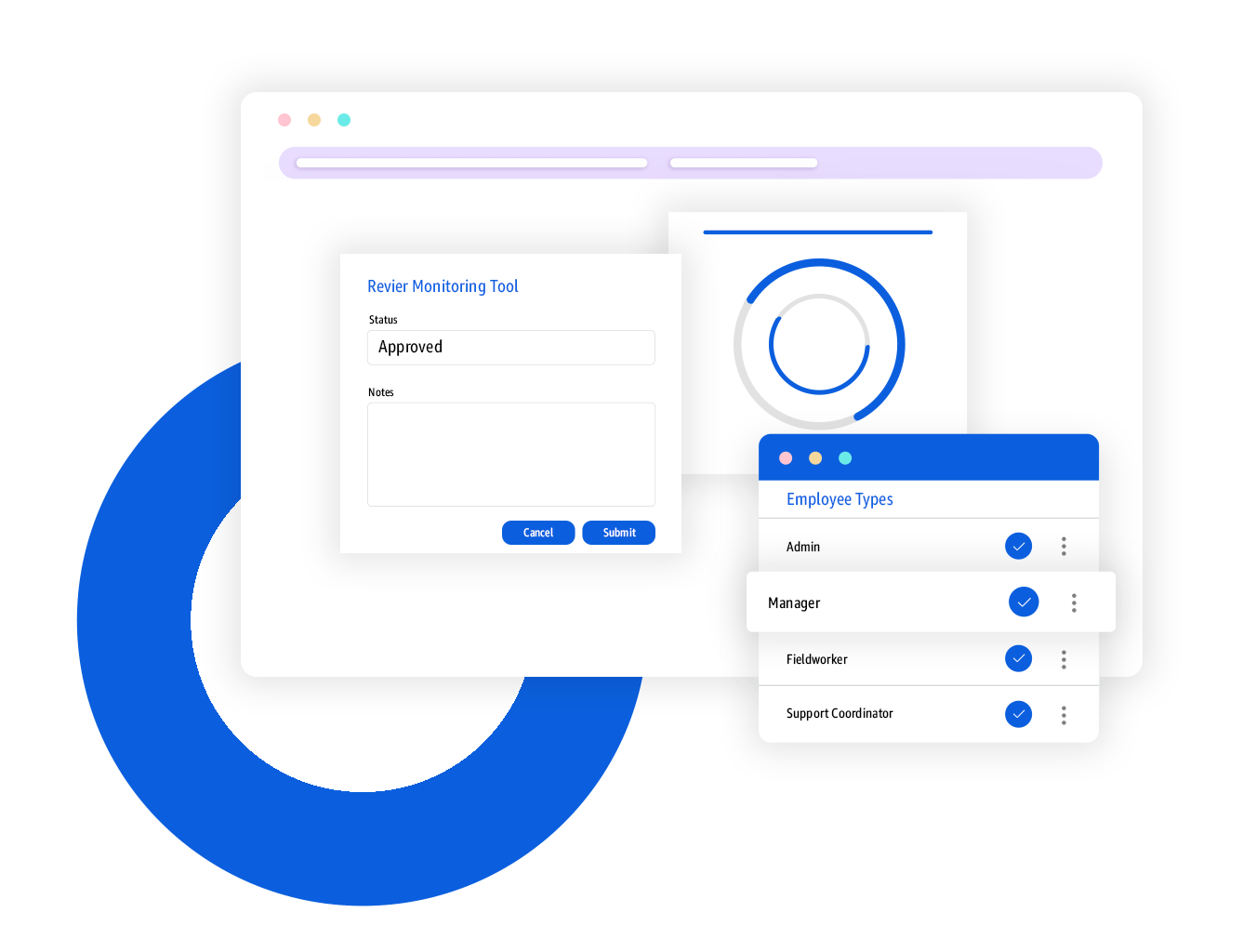
Updating data in MTs, forms, and reports has become faster as well. Every time I enter or feed new client data into the platform it stores it and pre-fills that information into any reports or MTs without needed it to be reentered. Honestly, at times I forget to get add the updated information and with this, my MTs and forms are filled in accurately with up-to-date information.
3. Instant Follow-ups and Reminders
There have been multiple instances when my team and I miss out on information and with the platform’s smart reminder tools, we are able to get timely follow-ups about upcoming appointments, medication refills, or deadlines for paperwork. Additionally, organizing the schedule also keeps my team updated at all times, and reduces no-shows, or missed visits.
4. Optimized Visit Scheduling
For those of us making home visits, this is really handy. Our system now easily syncs our plans into schedules. It automatically groups clients by location, accounts for traffic patterns, and respects client time preferences. An efficient, and logical scheduling support that helps my team complete their visits in a timely manner.
5. Automated Compliance Monitoring
Instead of waiting for a quarterly audit, the platform acts as a 24/7 compliance assistant. It scans all our case notes, service logs, and documents as they’re created and then flags potential compliance issues before they become problems.
For instance, when my Beth (my on-field team member) added a case note that didn’t match the specific service plan goal or an electronic visit verification (EVV) log and was immediately flagged. This saved us hours of rechecks and verification, made us feel more audit-ready for sure.
6. Driven Workflow Automation
This is a huge one for us. We use the platform’s form builder to create custom assessments. Now, the AI can analyze the answers on a submitted form in real-time. For example, if a client’s “Fall Risk Assessment” form scores above a certain threshold, the AI automatically triggers a new workflow. It instantly creates a “Physical Therapy Referral” task and assigns a “Home Safety Check” task to the appropriate team member, all without any manual intervention.
7. Predictive Client Engagement
Because all our client data (goals, needs, activity logs, etc.) is in one “Customer Profile,” the AI can identify patterns. It can flag clients who are showing signs of disengagement (e.g., missed appointments, fewer check-ins) and might be at risk of dropping out of a program. This allows us to be proactive with our outreach before a client falls through the cracks.
8. Predictive Budget & Billing Analysis
Our platform, which handles Revenue Cycle Management (RCM) and Projects data, uses AI to forecast potential financial issues. It analyzes a client’s service utilization against their authorized budget and flags them if they’re on track to exhaust funds faster than expected. This allows us to proactively work with the payer or the client to adjust the service plan before an unexpected billing interruption occurs.
9. Quality Assurance
Double-checking is a huge part of the admin work we do. And with the platform’s AI capabilities, it flags any missing detail such as a required signature, missed form sections, or used non-compliant language. This stops small mistakes which could hinder approval processes later.
My Bottom Line for You
AI is handling the repetitive, reoccurring tasks that used to take long hours to do and would essentially take away most of our energy as well.
After using this newer case management platform, I’ve realized that more than efficiency, it is helping us function more sustainably.
Apart from saving time, being more attentive to our client’s needs, we are able to create a centralized ecosystem that keeps us all connected, informed and operating in a compliant manner. Specifically, my crisis unit is able to give more attention to our sensitive cases, which means they are able to balance their caseloads without having too much on their plates.
If you are reading this, I suggest you give technology a shot. It might not seem like the best fit at a glance, but when you sit with their team and they customize the platform to your agency’s unique needs, it’s magic in a platform.